Welcome to the EGGhead Forum - a great place to visit and packed with tips and EGGspert advice! You can also join the conversation and get more information and amazing kamado recipes by following Big Green Egg to Experience our World of Flavor™ at:
Want to see how the EGG is made? Click to Watch
Facebook | Twitter | Instagram | Pinterest | Youtube | Vimeo
Share your photos by tagging us and using the hashtag #BigGreenEgg.
Share your photos by tagging us and using the hashtag #BigGreenEgg.
Want to see how the EGG is made? Click to Watch
can i post a picture directly from photobucket?
Options
Comments
-
Yep. It worked. I think my problem is I need to download the latest iOS. Need to track down a laptop now!!!
-
ok, i can post one picture, but how can i post more than one picture in the same post?
-
same way.
when the picture is entered, it appears in your window (where you write your post). wherever you want the next pic, place the cursor and do it all over again.
i like to put a space between pics, so after the pic appears, i hit 'return' and the cursor drops below the pic. hit return again to create a space, and add the next pic.
ed egli avea del cul fatto trombetta -Dante -
my problem is getting the cursor to go over to the right of the picture rather than the left, which puts the new picutre over the just posted picture. i'll try again.....


-
i can get them to post above, but not below the recently posted picture... i guess i can post in reverse order always and from top to bottom....
-
i don't understand.
if need be you can arrow the cursor up over and down, or just hit 'return' after each pic to bump th cursor down
when you post a pic, the cursor should be to the right of the photo, waiting for you to continue typing.
ed egli avea del cul fatto trombetta -Dante -
Thanks to all of the very patient instructions in this thread I kinda have the picture posting straightened out. So now how do I resize it?
Thanks for your continuing patience.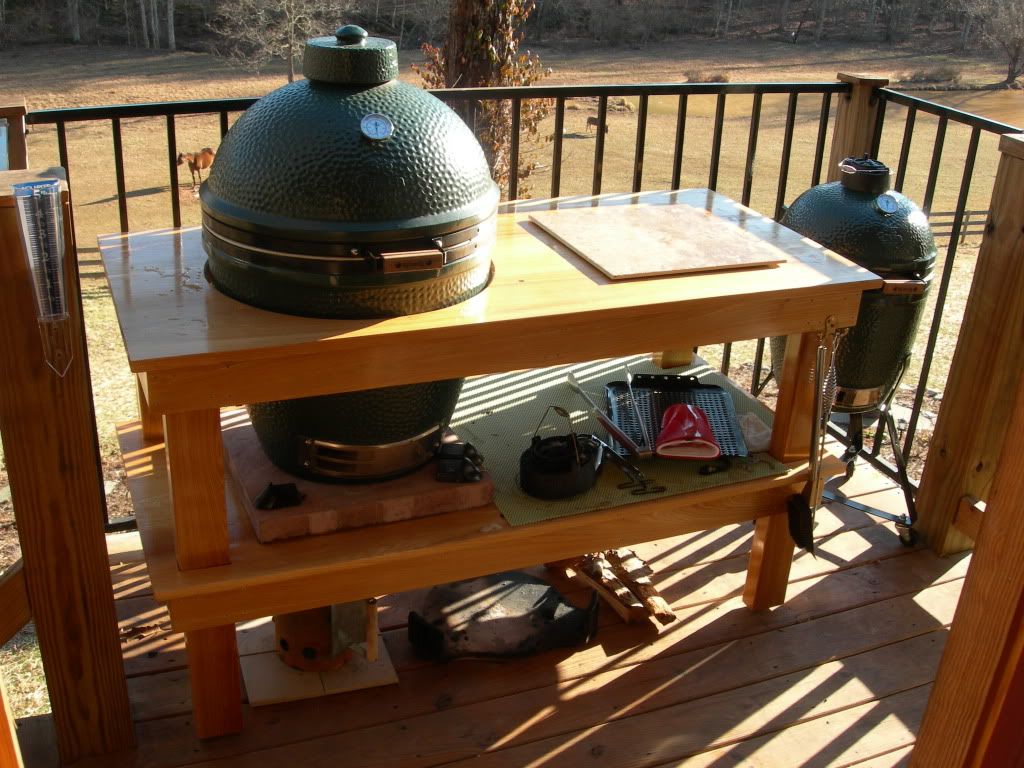
If you don't think too good, don't think too much.
Afton, VA -
i don't understand.
i can't get the cursor to move below the picture no matter what button i push. i can get it above the picture, IF i include text.
if need be you can arrow the cursor up over and down, or just hit 'return' after each pic to bump th cursor down
when you post a pic, the cursor should be to the right of the photo, waiting for you to continue typing. -
are you uploading pics with the little 'picture icon', top write of the little box you types your replies in?
ed egli avea del cul fatto trombetta -Dante -
i am.
-
hmmmm.
i dunno.
>edit<
actually if i use "attach file" (at bottom) it's a pain in the adenoids, and i can't get the cursor back. if i go top right and click the little icon (a picture of a tree), it works fine.
ed egli avea del cul fatto trombetta -Dante -
just for the record. the thread i posted yesterday had a shedload of pictures and only two showed up. i can't get the cursor to go below the picture to post the next one with either the mouse or the cursor.
-
i don't understand.
that's the dig. if i hit return after i post the picture, it deletes the picture i just posted. the cursor is appearing above rather than below and there is nothing i can do to get it to go below or after to the right of the picture i just posted.
if need be you can arrow the cursor up over and down, or just hit 'return' after each pic to bump th cursor down
when you post a pic, the cursor should be to the right of the photo, waiting for you to continue typing. -
-
[IMG]http://i1254.photobucket.com/albums/hh612/jholland70/0893c6d9.jpg[/IMG]
Let's see if this works. -
-
Whoa thats big
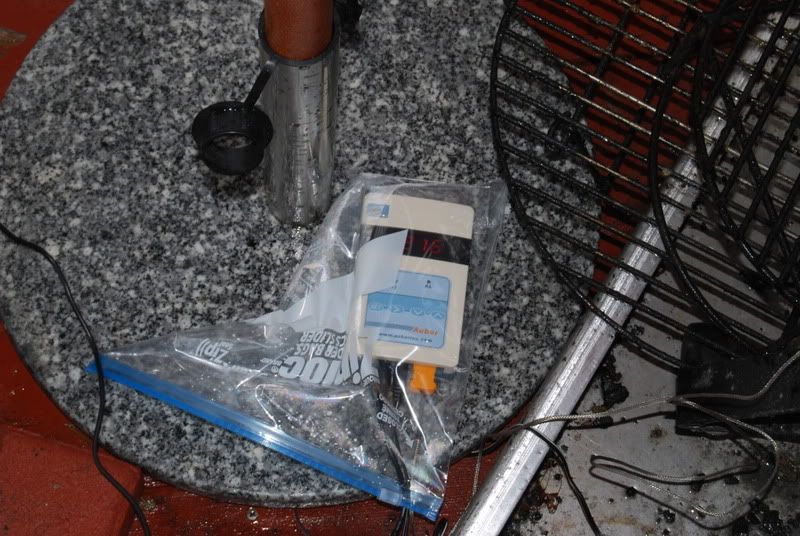
-
Still big, what do you people find is the optimum size?
-
OK got, sorry for the stupids posts...
-
OK on a DROID, clicking attach a file now...
Then selected file, and galleryBx - > NJ ->TX!!!All to get cheaper brisket!


![http://i273.photobucket.com/albums/jj234/victim_01095/ef2ed396.jpg[/IMG]](/home/leaving?allowTrusted=1&target=http%3A%2F%2Fi273.photobucket.com%2Falbums%2Fjj234%2Fvictim_01095%2Fef2ed396.jpg%5B%2FIMG%5D)
![http://i1254.photobucket.com/albums/hh612/jholland70/0893c6d9.jpg[/IMG]](/home/leaving?allowTrusted=1&target=http%3A%2F%2Fi1254.photobucket.com%2Falbums%2Fhh612%2Fjholland70%2F0893c6d9.jpg%5B%2FIMG%5D)

Categories
- All Categories
- 182.7K EggHead Forum
- 15.7K Forum List
- 459 EGGtoberfest
- 1.9K Forum Feedback
- 10.3K Off Topic
- 2.2K EGG Table Forum
- 1 Rules & Disclaimer
- 9K Cookbook
- 12 Valentines Day
- 91 Holiday Recipes
- 223 Appetizers
- 516 Baking
- 2.4K Beef
- 88 Desserts
- 164 Lamb
- 2.4K Pork
- 1.5K Poultry
- 30 Salads and Dressings
- 320 Sauces, Rubs, Marinades
- 543 Seafood
- 175 Sides
- 121 Soups, Stews, Chilis
- 35 Vegetarian
- 100 Vegetables
- 313 Health
- 293 Weight Loss Forum