Welcome to the EGGhead Forum - a great place to visit and packed with tips and EGGspert advice! You can also join the conversation and get more information and amazing kamado recipes by following Big Green Egg to Experience our World of Flavor™ at:
Want to see how the EGG is made? Click to Watch
Facebook | Twitter | Instagram | Pinterest | Youtube | Vimeo
Share your photos by tagging us and using the hashtag #BigGreenEgg.
Share your photos by tagging us and using the hashtag #BigGreenEgg.
Want to see how the EGG is made? Click to Watch
Posting pictures
Options

lakebndegg
Posts: 28
How do you post pictures to the form?
Thanks,
John
Thanks,
John
Comments
-
from where? computer? Phone? iPad?
Keepin' It Weird in The ATX FBTX -
click the "Attach a File" link under "leave a comment". Pick your pic, then when it shows as an icon, click the "insert image" if you want it embedded in your text (otherwise it's just a link to a pic with a small thumbnail).
______________________________________________I love lamp.. -
-
My insert image link doesnt seem to work. It just says "image" in the post.
-
on your iPad or Iphone, download photobucket. open photobucket and either take a picture or upload images from your library
Once the photo you want is uploaded to photbucket, click on it. There will be a small "i" in the bottom right corner. Click that and a box will pop up with 4 different types of files. Click on the HTML file (3RD file down from the top) and it will copy the link. Paste that directly in your comment box (this box for example) on the forum and the image will be imbedded in your post.
Keepin' It Weird in The ATX FBTX -
How do you paste them?
-
None of the tool bar items are highlighted and I cannot click on any of them (I am using an I pad) I can type a message but that's all
-
you have photbucket installed on your ipad right?
Keepin' It Weird in The ATX FBTX -
You need to click on full site at the bottom of the page if you are on the mobile site. If you are already on the full site there is a <> icon right above where you type. Click on that then click on the grayed out icon on the right hand side that looks like a picture. Make sure you erase the http: that is already in the link when it appears
-
-
-
have you logged in and can you see your photos?Keepin' It Weird in The ATX FBTX
-
Are we unable to post from Flickr? I tried every possible code and no go.

-
Are we unable to post from Flickr? I tried every possible code and no go.
I dunno. I'm sure someone will come along to help. It works for me and I learned it from someone else on here so I don't know what to tell youKeepin' It Weird in The ATX FBTX -
-
I use Picasa, a Google program, for pictures. I can post the thumbnails, but I can't get them in text. Is anyone familiar with Picasa that could help?TIA
-
Yes, keep clicking the picture so you just have the picture on the screen.
1. Right click when you get the picture in picasa and select view image (windows/firefox)
2. When the new broswer window opens copy this link and past it using the insert image button on the top of the post section. The link should end in .jpg.
Let me know if i should do a webshot tutorial.
-
-
@Airwolf will this be the same with Google Chrome?
Yes, keep clicking the picture so you just have the picture on the screen.
1. Right click when you get the picture in picasa and select view image (windows/firefox)
2. When the new broswer window opens copy this link and past it using the insert image button on the top of the post section. The link should end in .jpg.
Let me know if i should do a webshot tutorial.
-
It should be similar, I don't have google chrome installed on this machine. The point is you want to view just the picture... the URL or web address should end in .jpg
-
OK thanks airwolf. I will play with it a little. May send you a PM if I have other questions. Don't won't to hijack the thread just for me.
-
Thats what I am doing with Flickr....
<a href="http://www.flickr.com/photos/60538741@N03/7219383930/" title="IMG_2852-Edit.jpg by alexwolf1216, on Flickr"><img src="http://farm8.staticflickr.com/7235/7219383930_b1189b9c33.jpg" width="500" height="333" alt="IMG_2852-Edit.jpg"></a>
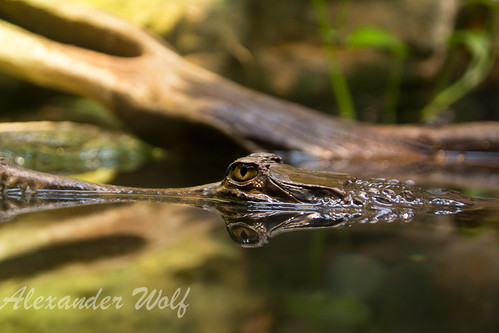
-
Thanks for all the advice. I have it working on my laptop but not yet on the Ipad,(I'll download the photobucket and give it a try)
-
Ah, I figured it out......Flickr doesnt make it a .jpg.....sorry to spam the thread
-
-
My comments with the .jpg is in reference to picasa sorry for the hijack or confusion.
-
Airwolf, you are teacher of the year. I guess this is right?
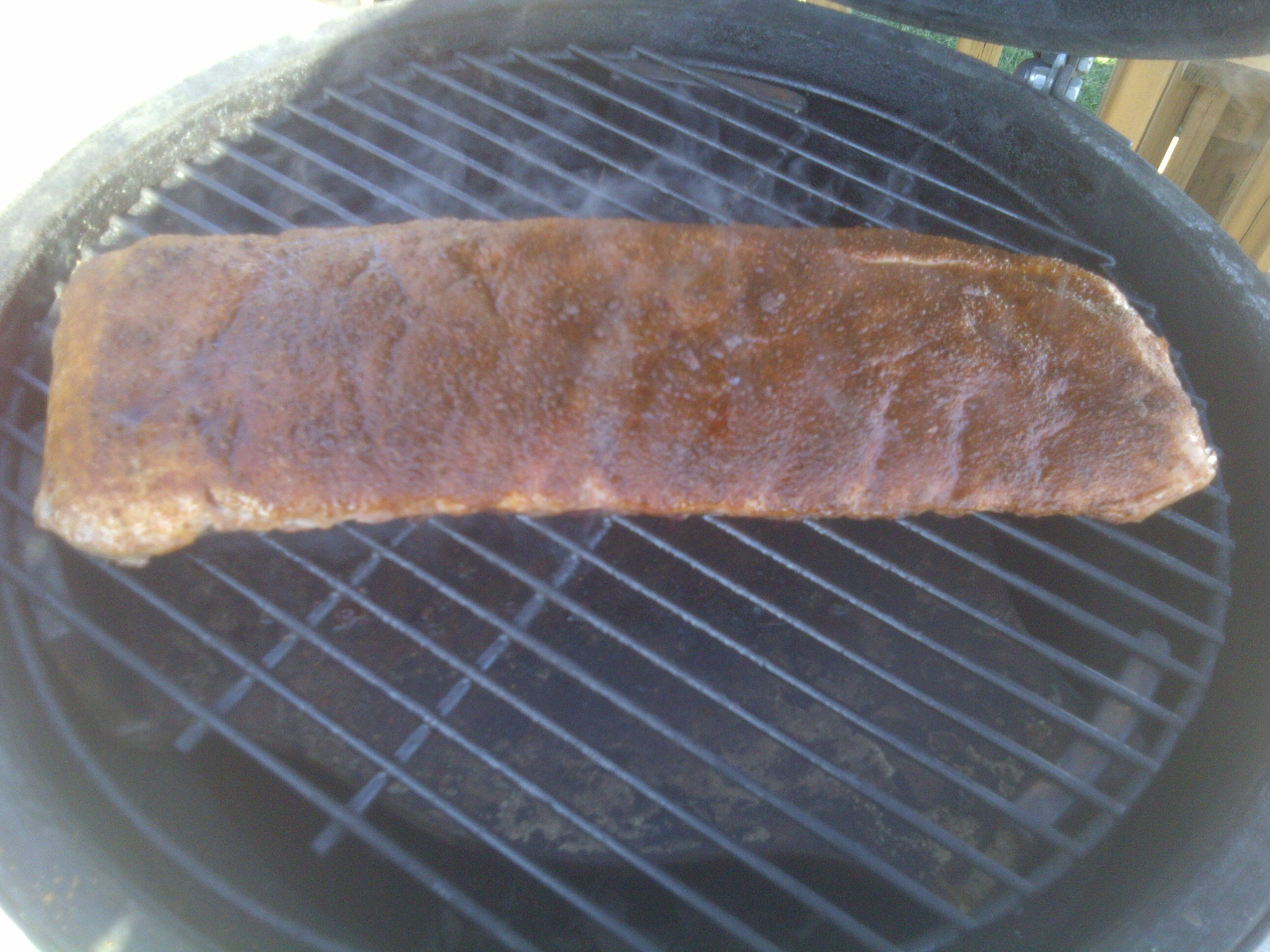
-
Looks like it is working to me... after you post the picture, you can also resize it if you want by dragging the corners of the pictures.
-
Looks like it is working to me... after you post the picture, you can also resize it if you want by dragging the corners of the pictures.
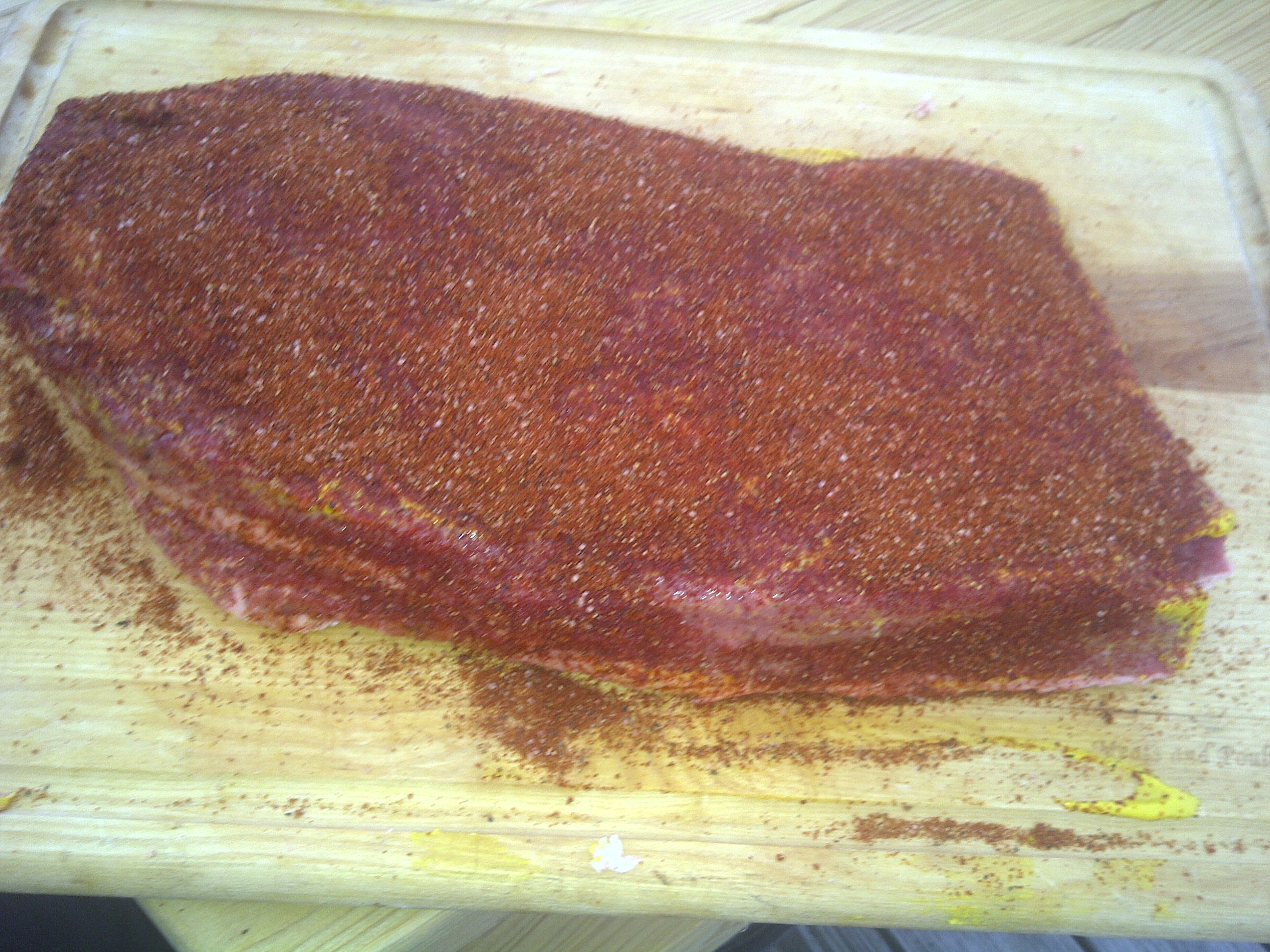
@Airwolf again thanks. I will fool with it when I have more time.Things like this are why this board is so helpful. I've got many, many more hours on the BGE than I do at the keyboard. I would never have figured out how to do it.



Categories
- All Categories
- 182.7K EggHead Forum
- 15.7K Forum List
- 459 EGGtoberfest
- 1.9K Forum Feedback
- 10.3K Off Topic
- 2.2K EGG Table Forum
- 1 Rules & Disclaimer
- 9K Cookbook
- 12 Valentines Day
- 91 Holiday Recipes
- 223 Appetizers
- 516 Baking
- 2.4K Beef
- 88 Desserts
- 163 Lamb
- 2.4K Pork
- 1.5K Poultry
- 30 Salads and Dressings
- 320 Sauces, Rubs, Marinades
- 543 Seafood
- 175 Sides
- 121 Soups, Stews, Chilis
- 35 Vegetarian
- 100 Vegetables
- 313 Health
- 293 Weight Loss Forum